


The easiest way to start
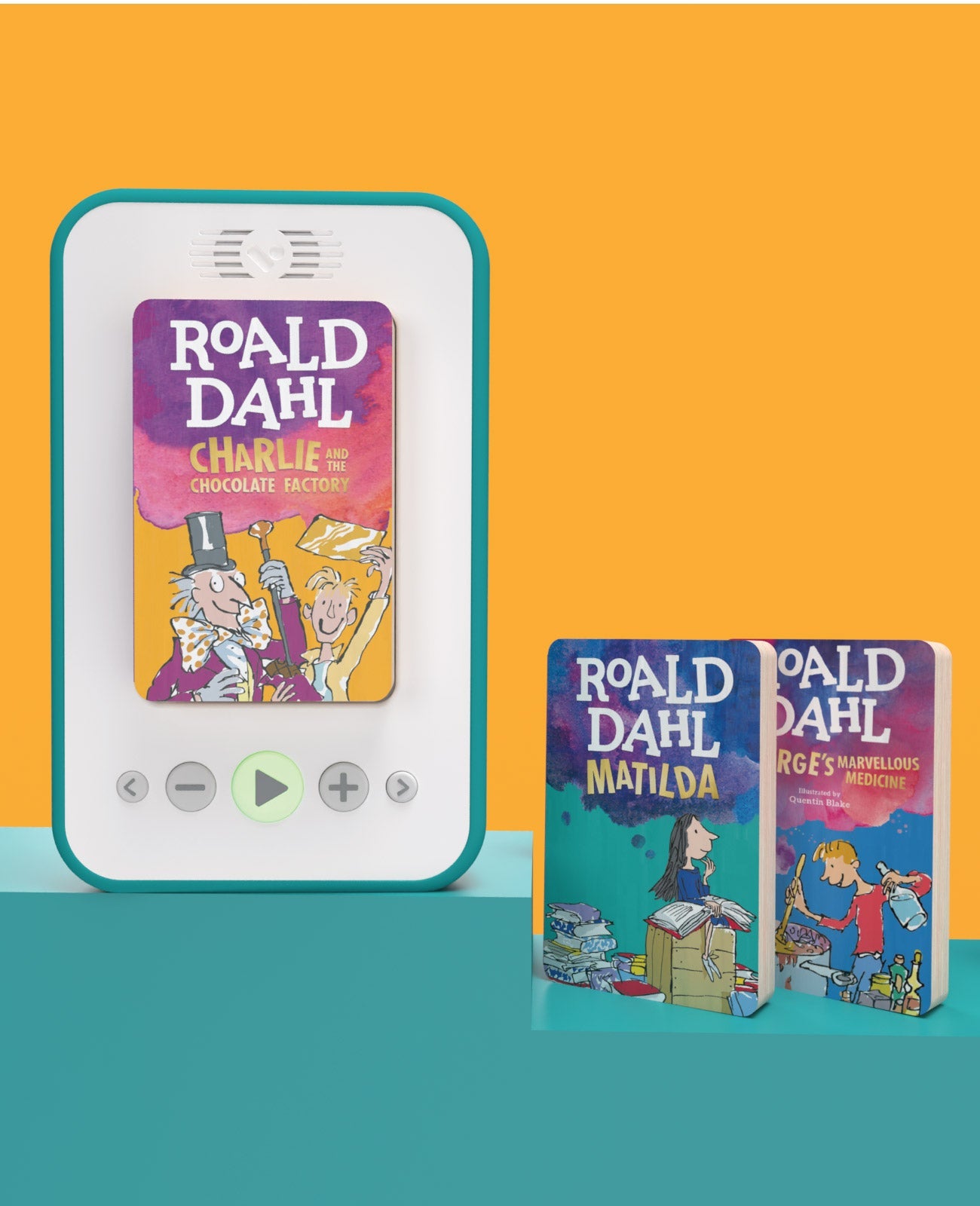
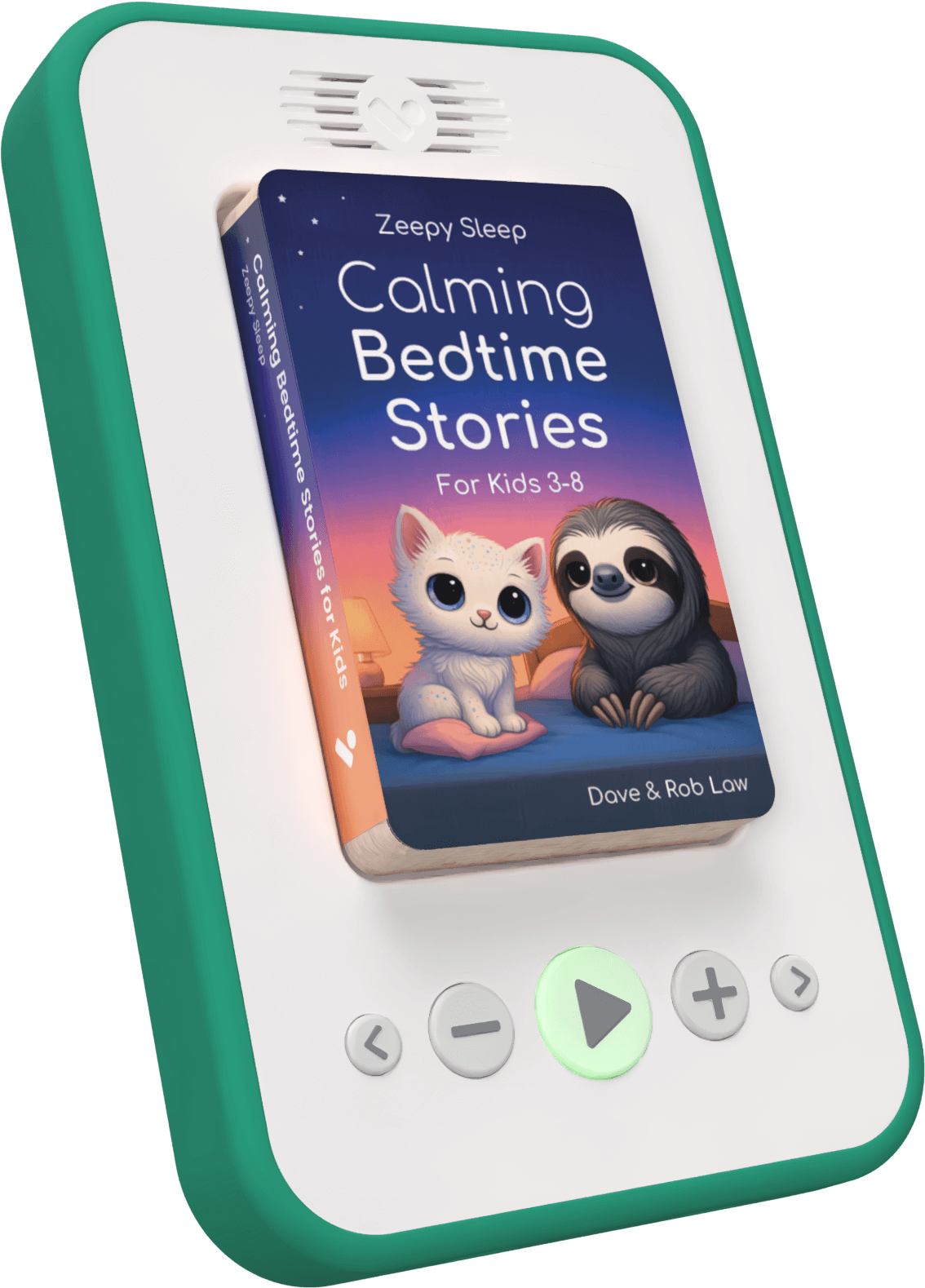
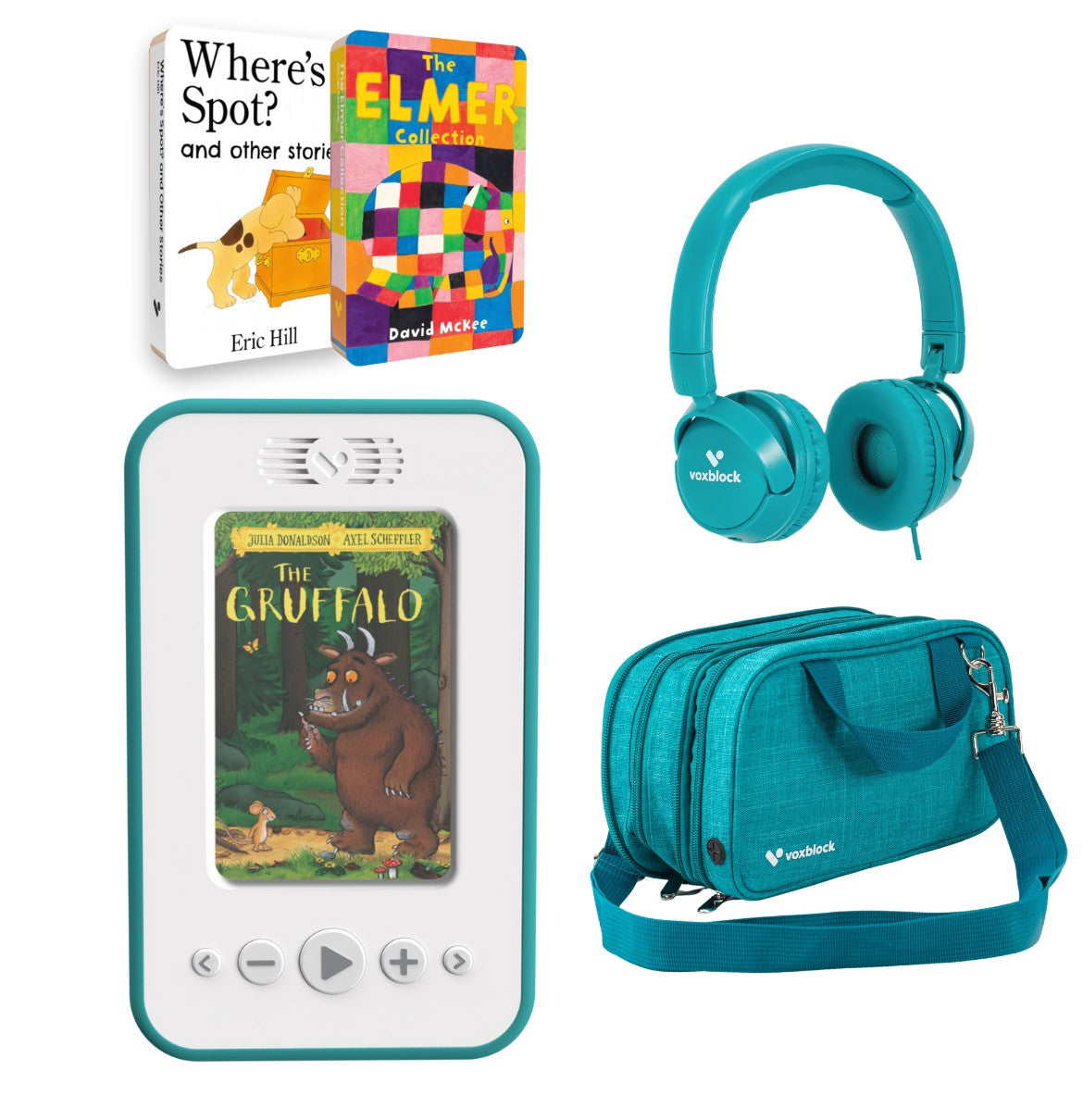
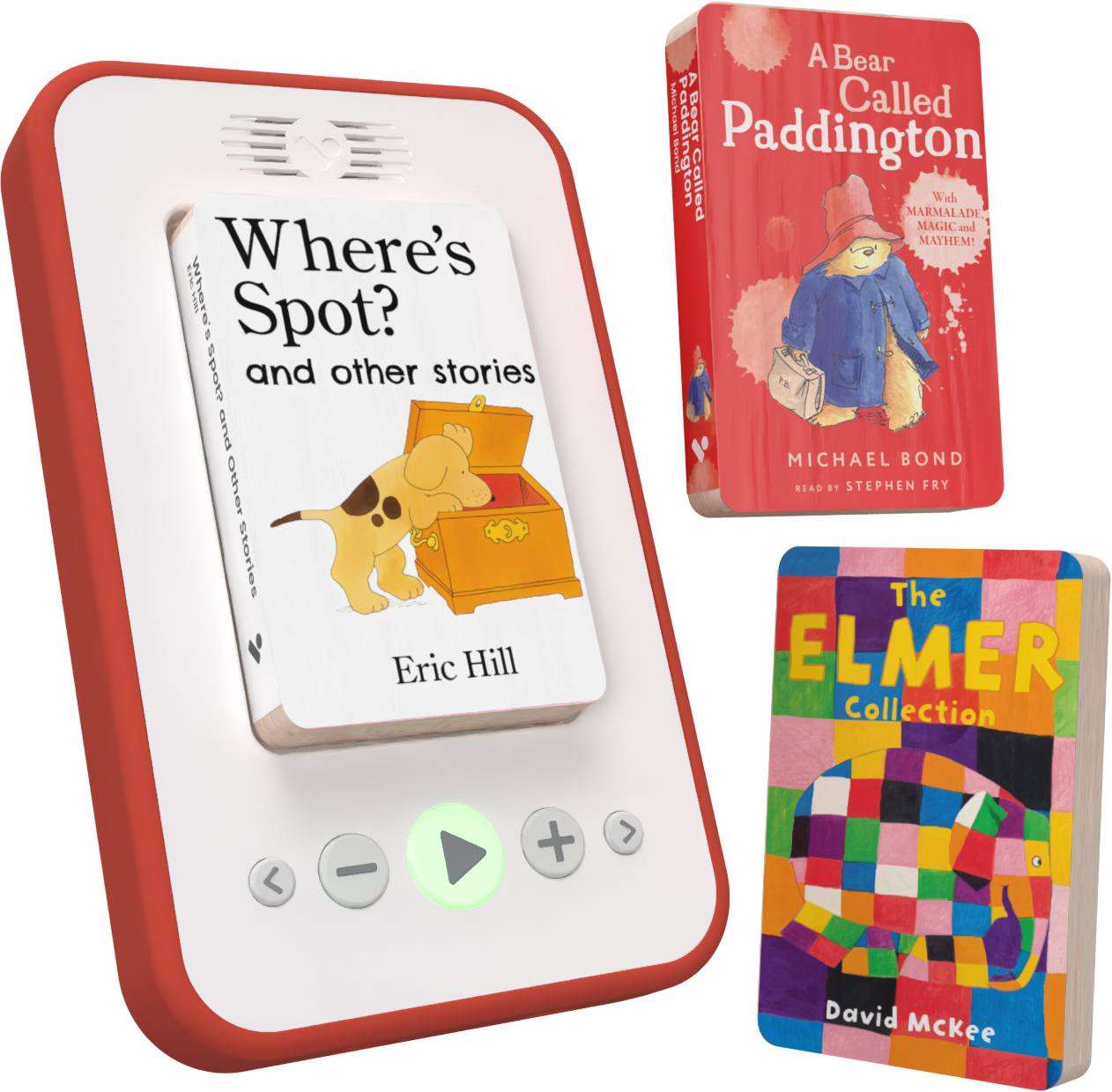
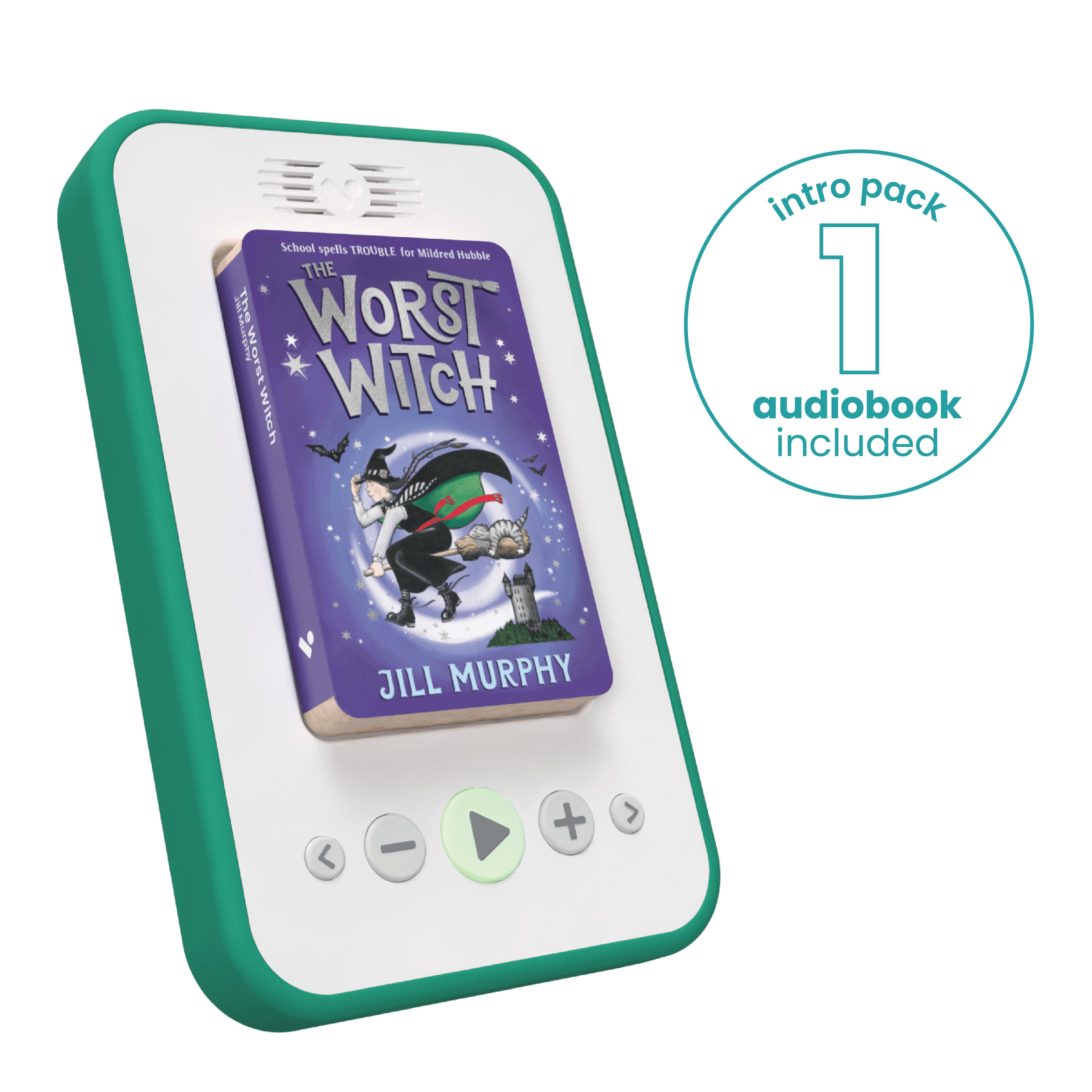
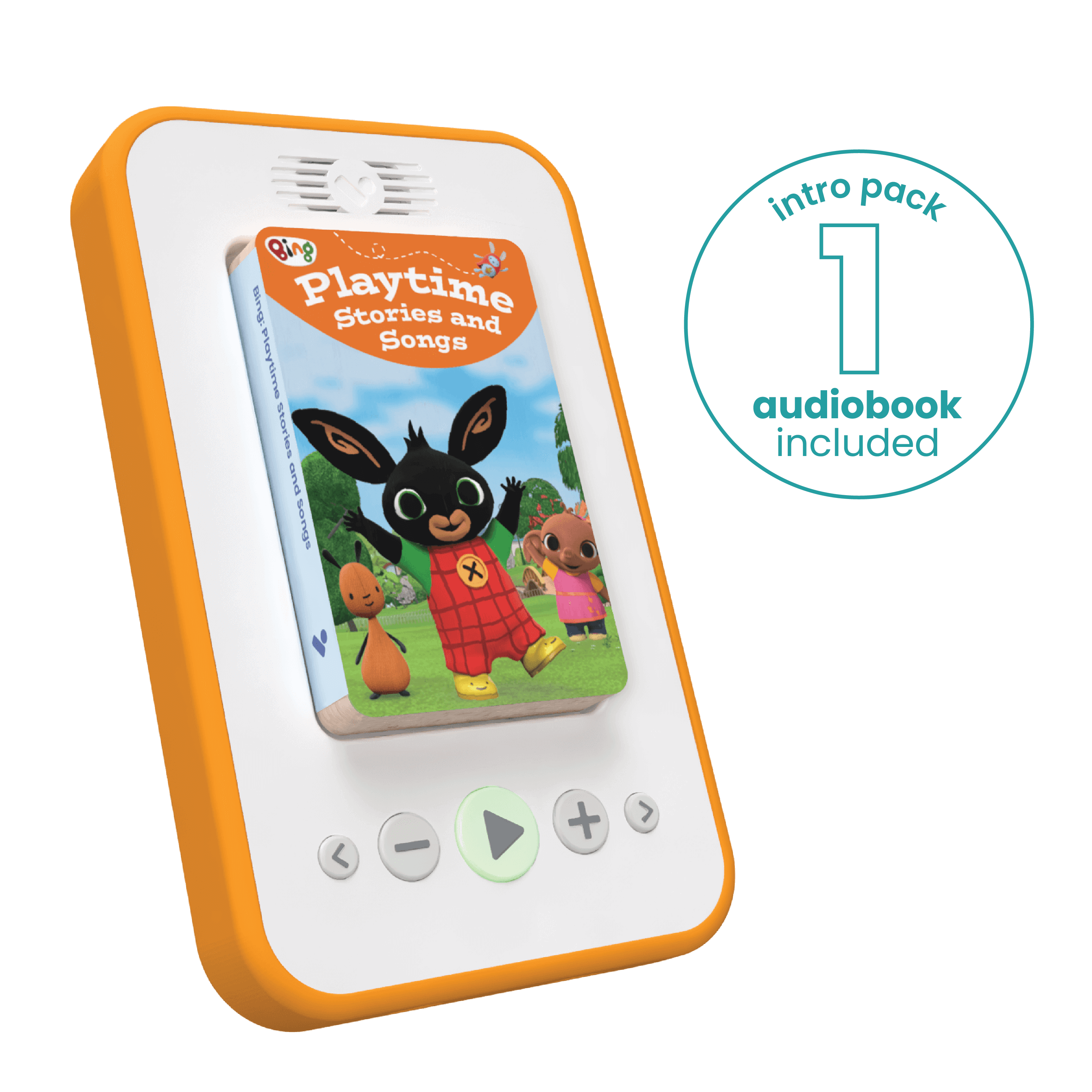
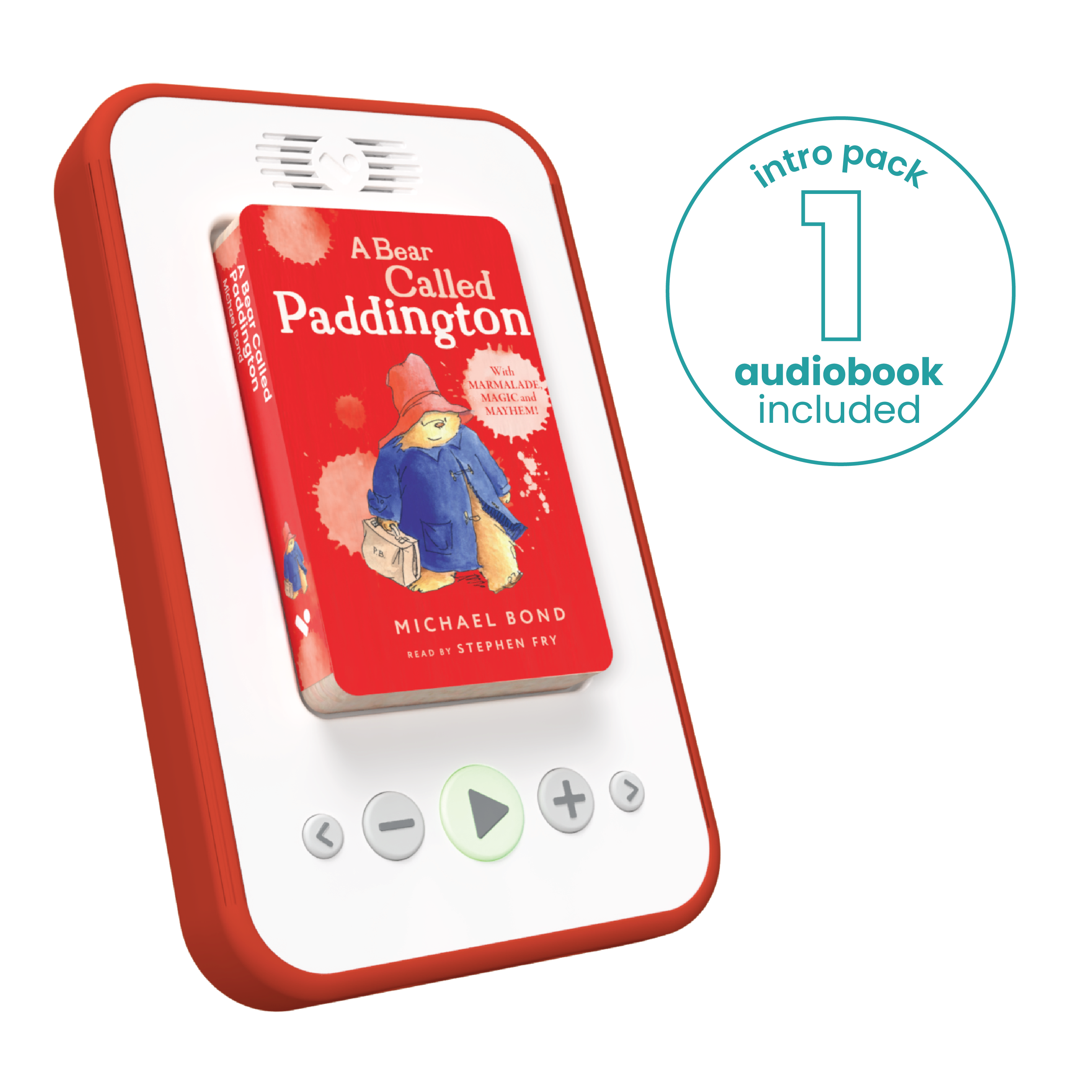
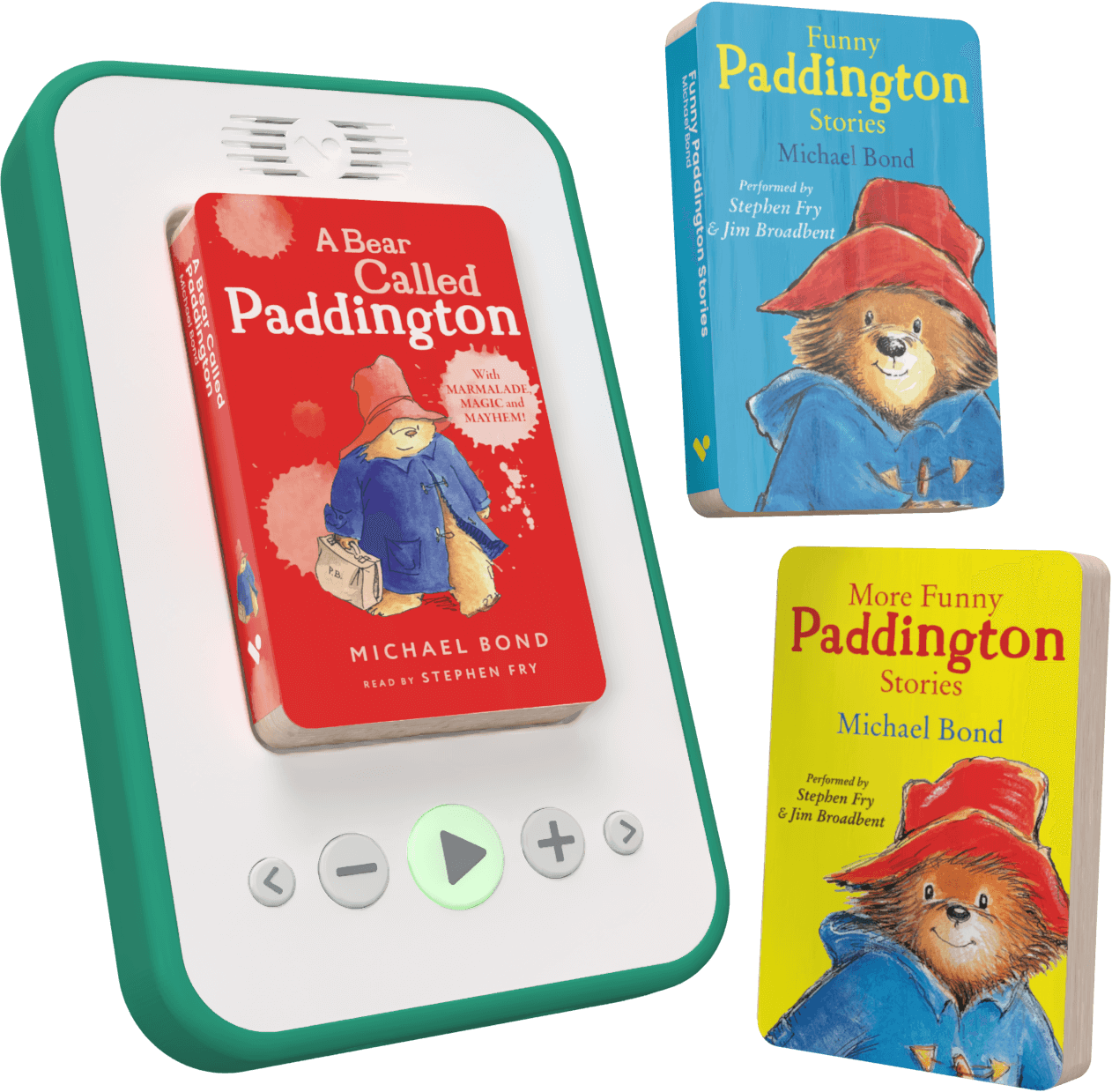
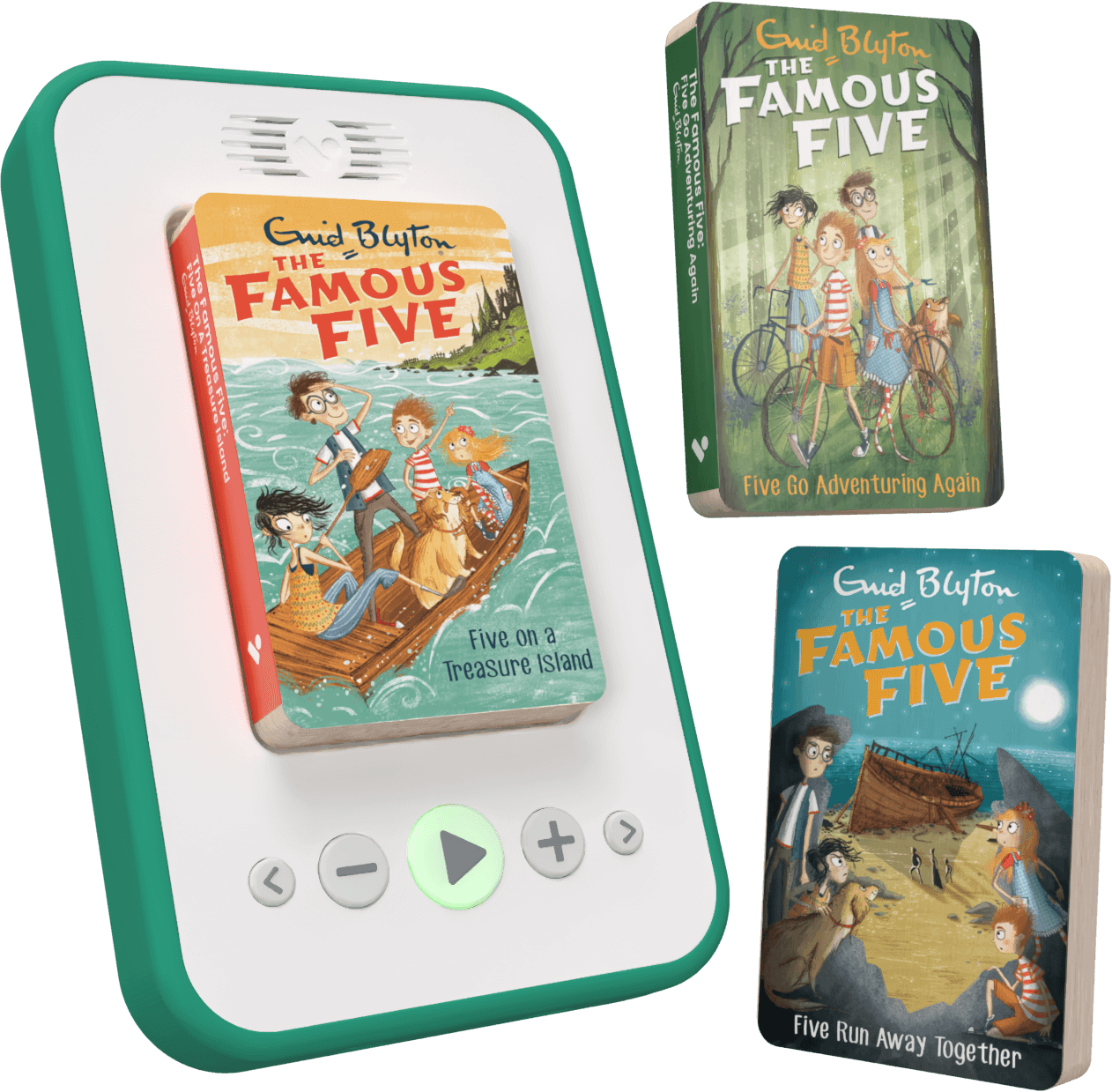
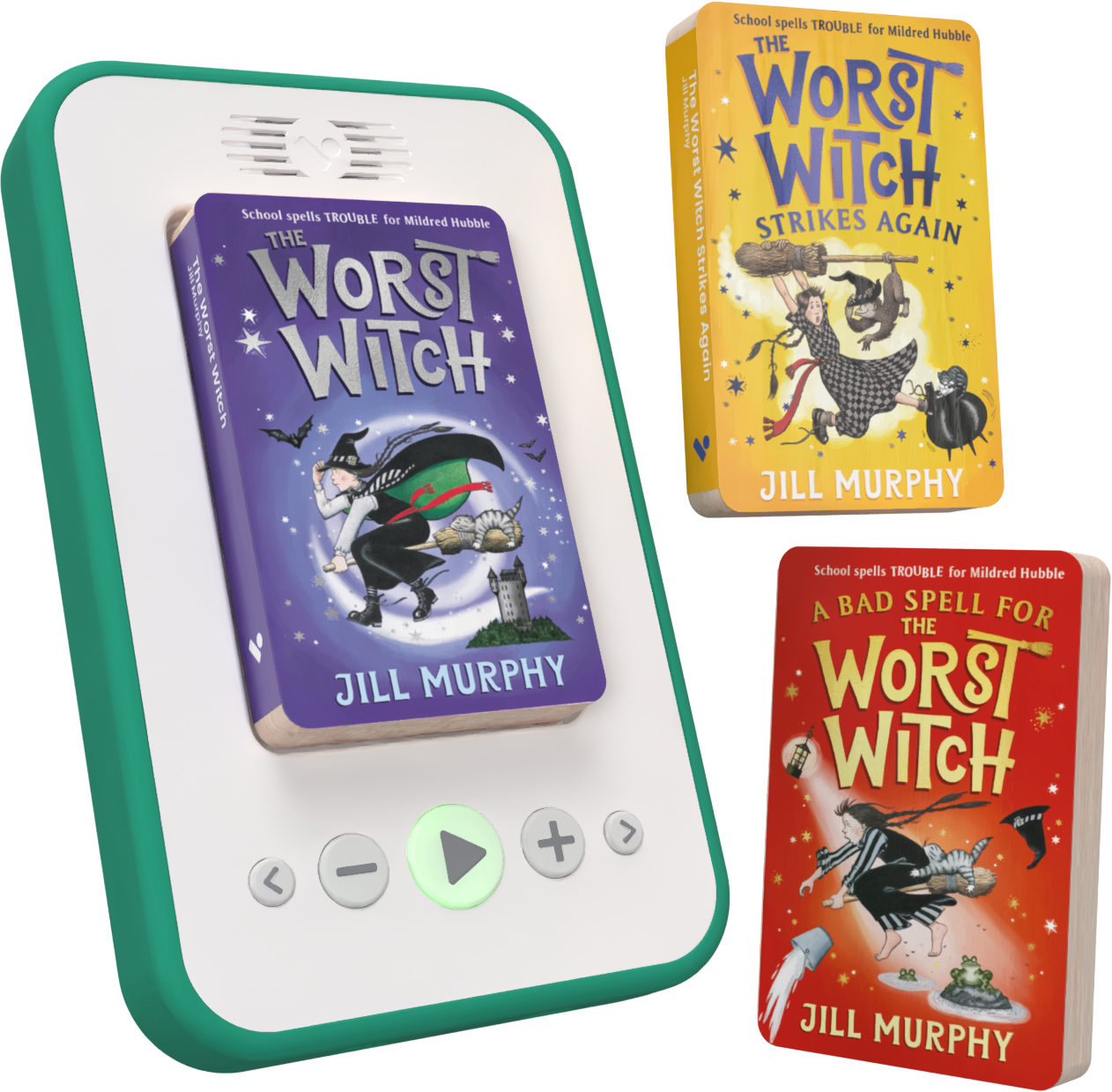
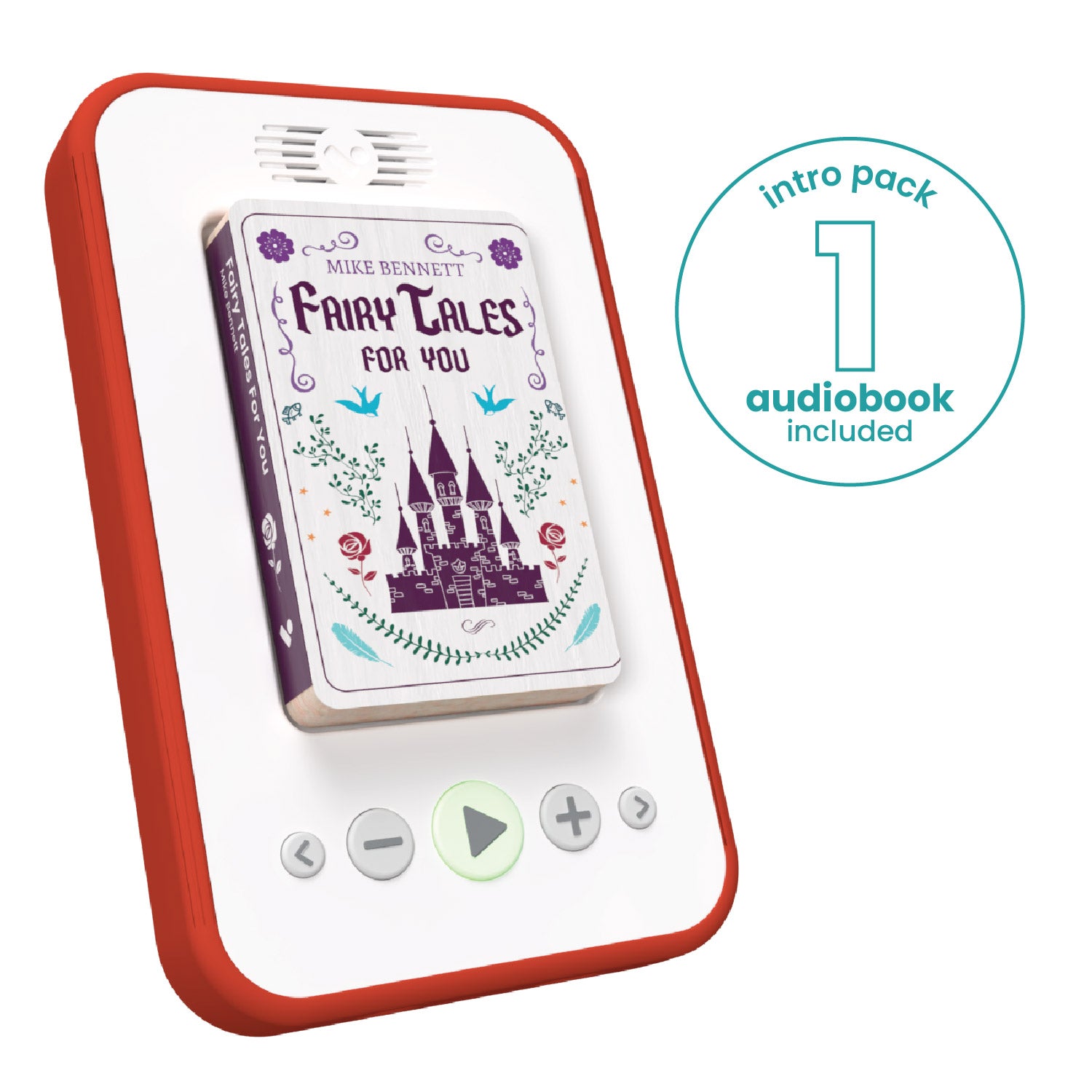
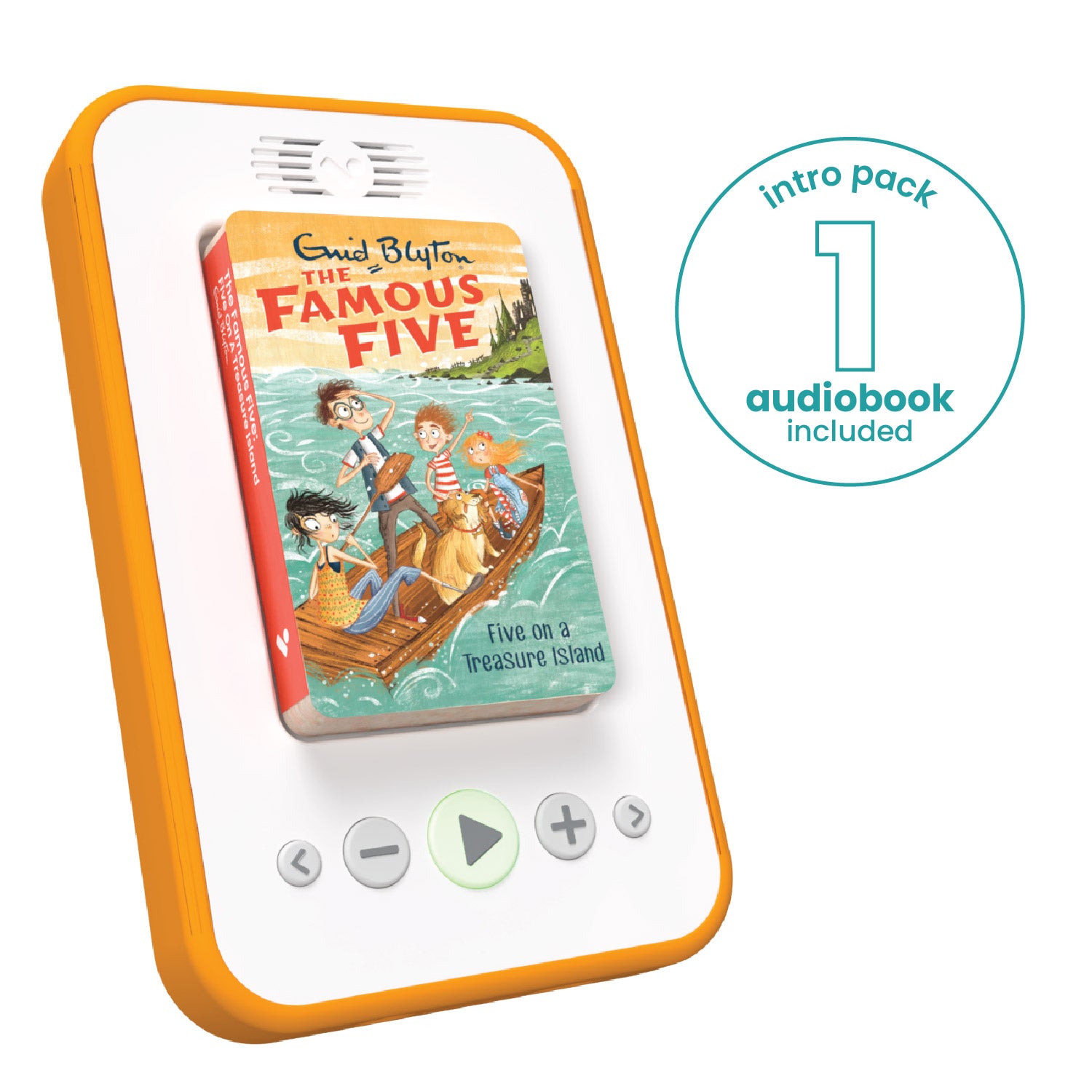
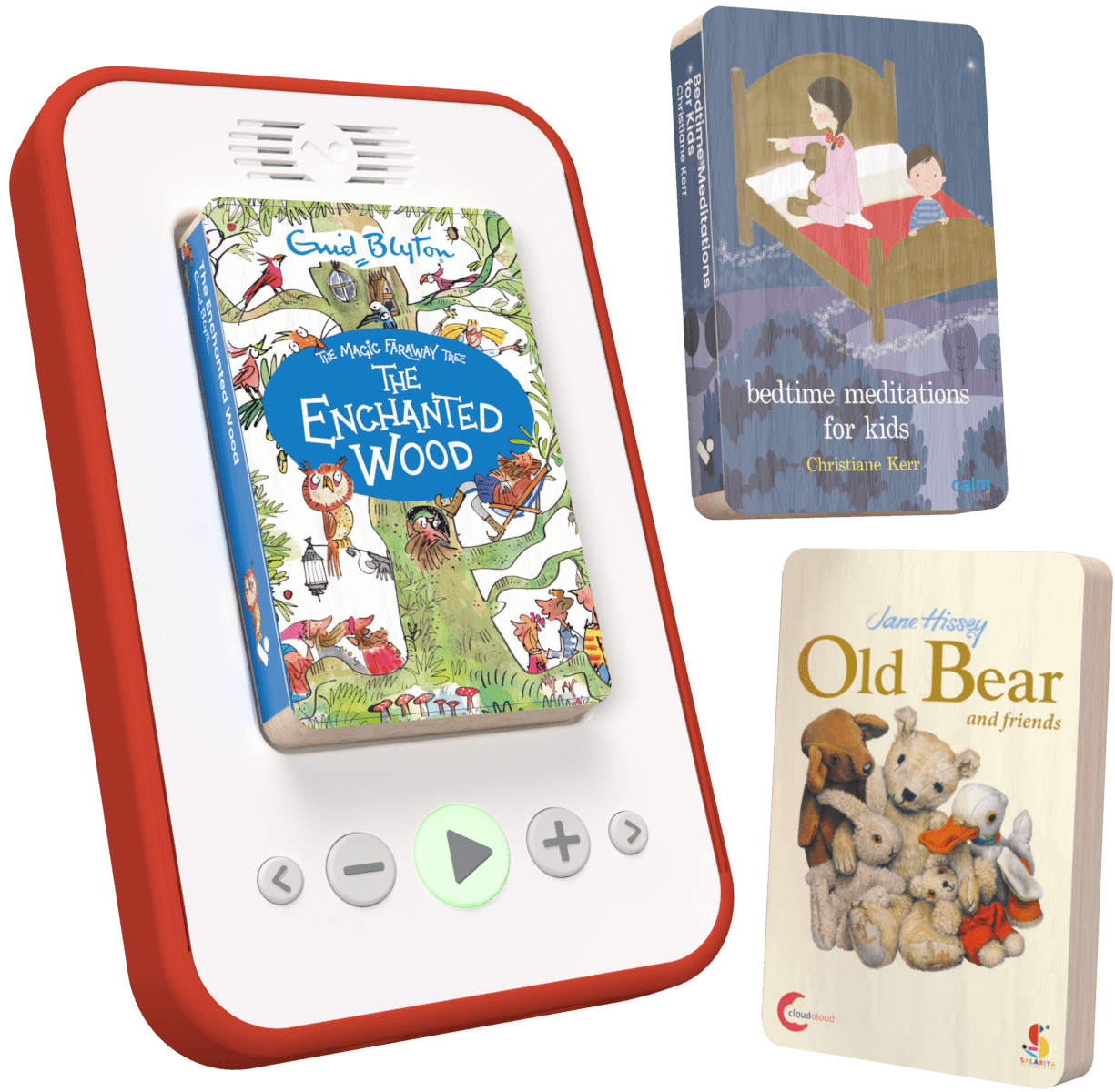
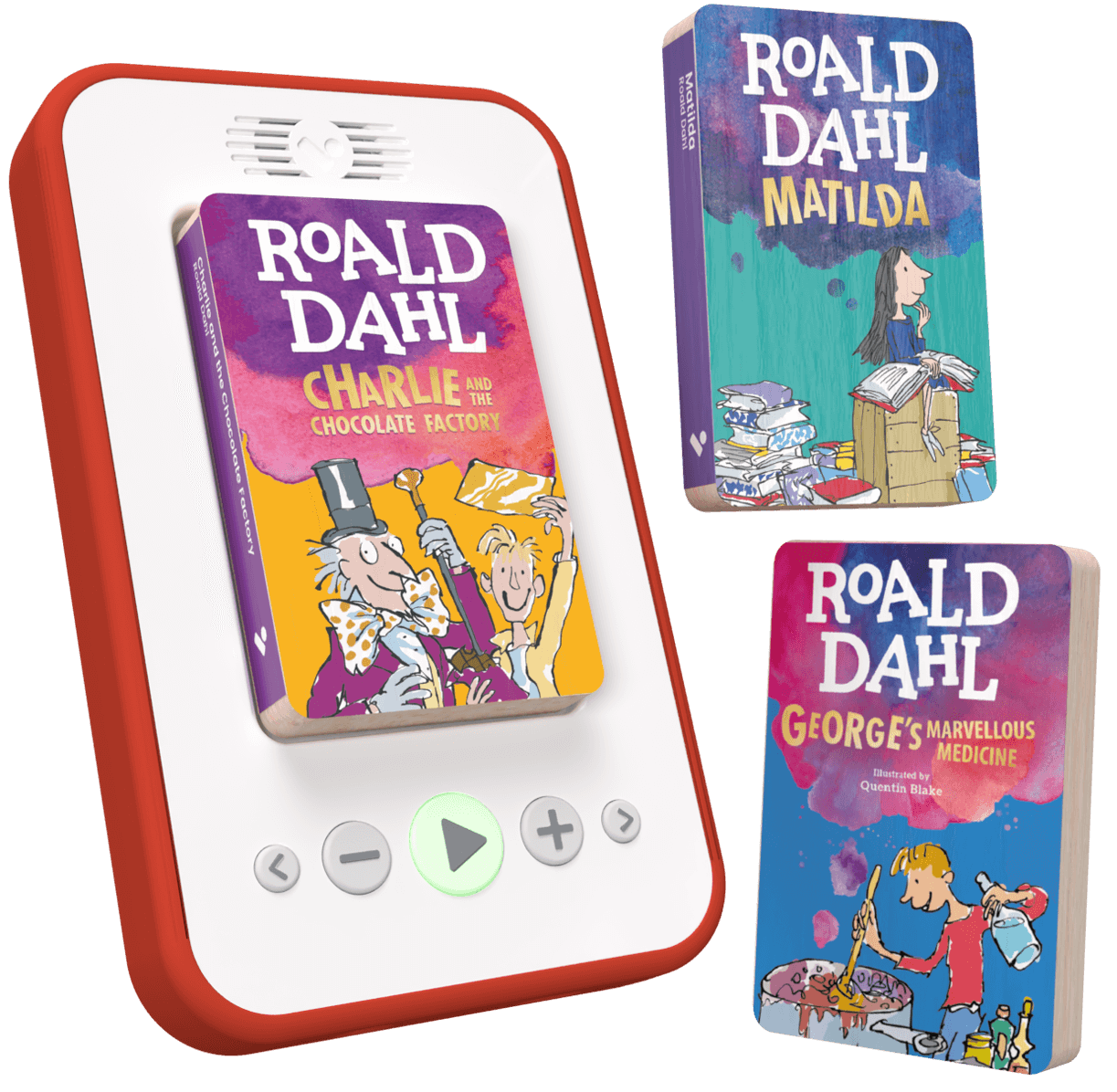
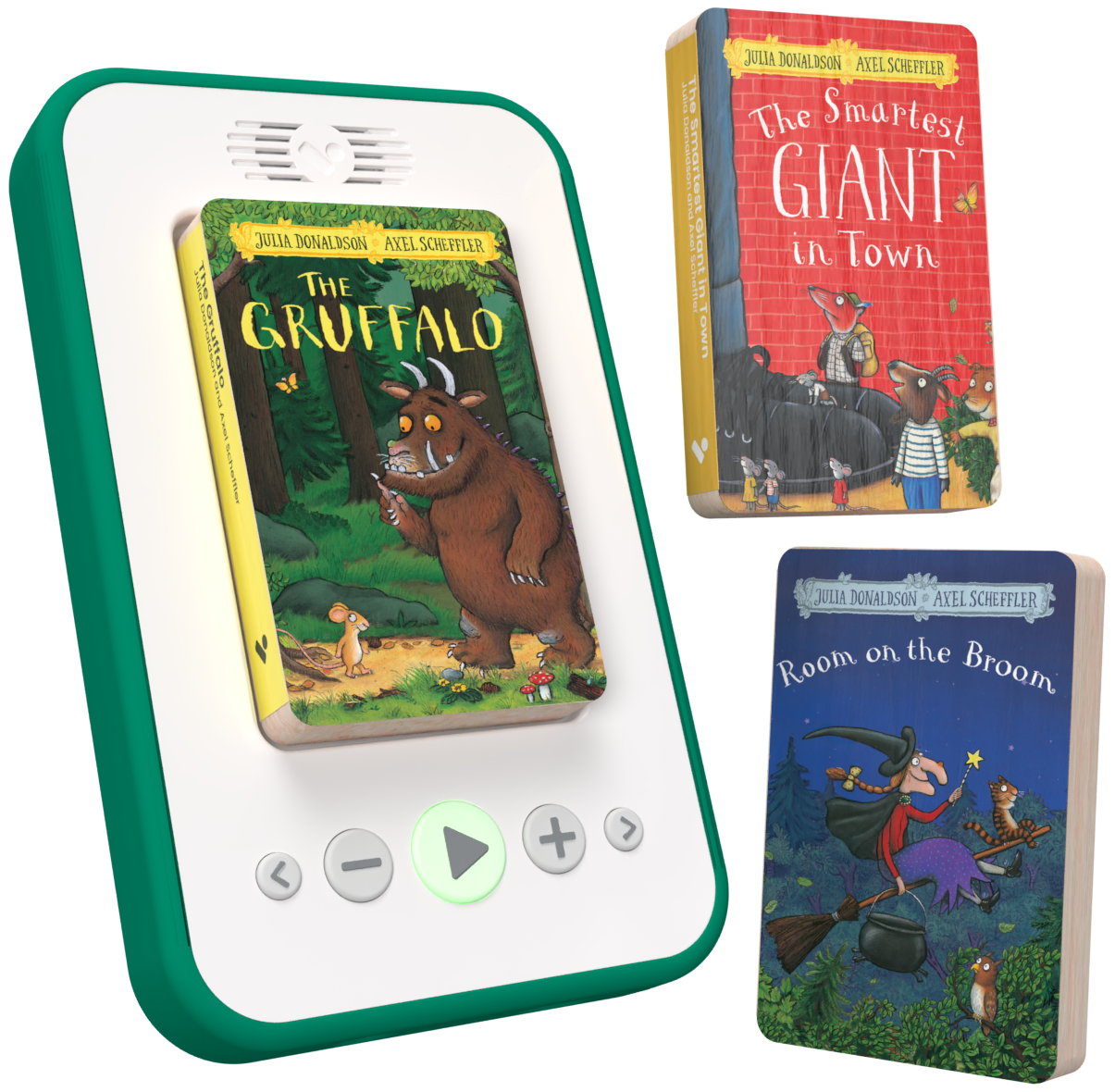
Our Starter Pack combines the Voxblock player with a curated selection of stories to help children enjoy reading from day one.
Filters
16 products
See why parents trust Voxblock
Ciara (Aug 2025)
Voxblock is brilliant
Bedtime used to be a battle in our house. My son would ask for the iPad and it always ended badly. Since getting Voxblock, he chooses a story instead. He presses play himself and listens quietly while he winds down. It’s made evenings calmer for all of us.
Mark (Jan 2026)
Confidence
My daughter finds reading tricky and it was starting to knock her confidence. With Voxblock, she can enjoy the same stories.
Priya (Feb 2025)
Long journeys without screens
We bought Voxblock for a long car journey over half term and it honestly saved us. No fighting over tablets, no complaints about boredom. The kids took turns choosing stories and the drive felt much shorter. It now lives permanently in the car.
Hannah (Jan 2026)
Doesn't need me
I love that my son doesn’t need me to set anything up. It’s given him a sense of independence and responsibility that I didn’t expect from something so simple.
FAQs
How do I set up my player?
Depending on the model you can find the on/off switch in the recess where your block connects to the player. If you have the latest model then you turn the player on/off by holding the main button for 1 to 2 seconds. Then simply pop in your chosen block, and press play. Use the arrow buttons to jump to the next or previous chapters, and the + and - to adjust the volume.
Do I need an internet connection to use my player?
Nope. We are completely connectivity free.
What is the best way to charge my player?
- use the USB C charging cable provided
- charge using a USB adapter in a wall socket
- allow the player to charge fully e.g. overnight
- switch off the player when not in use