


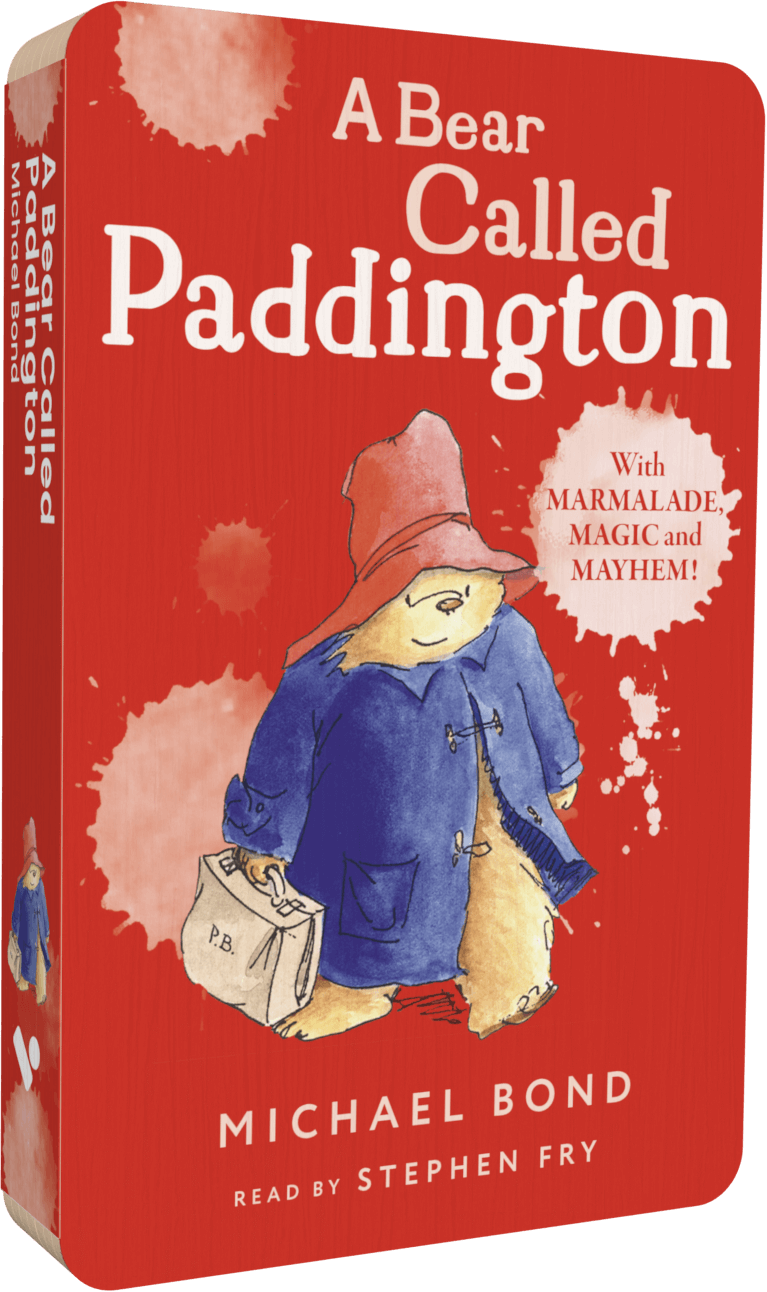
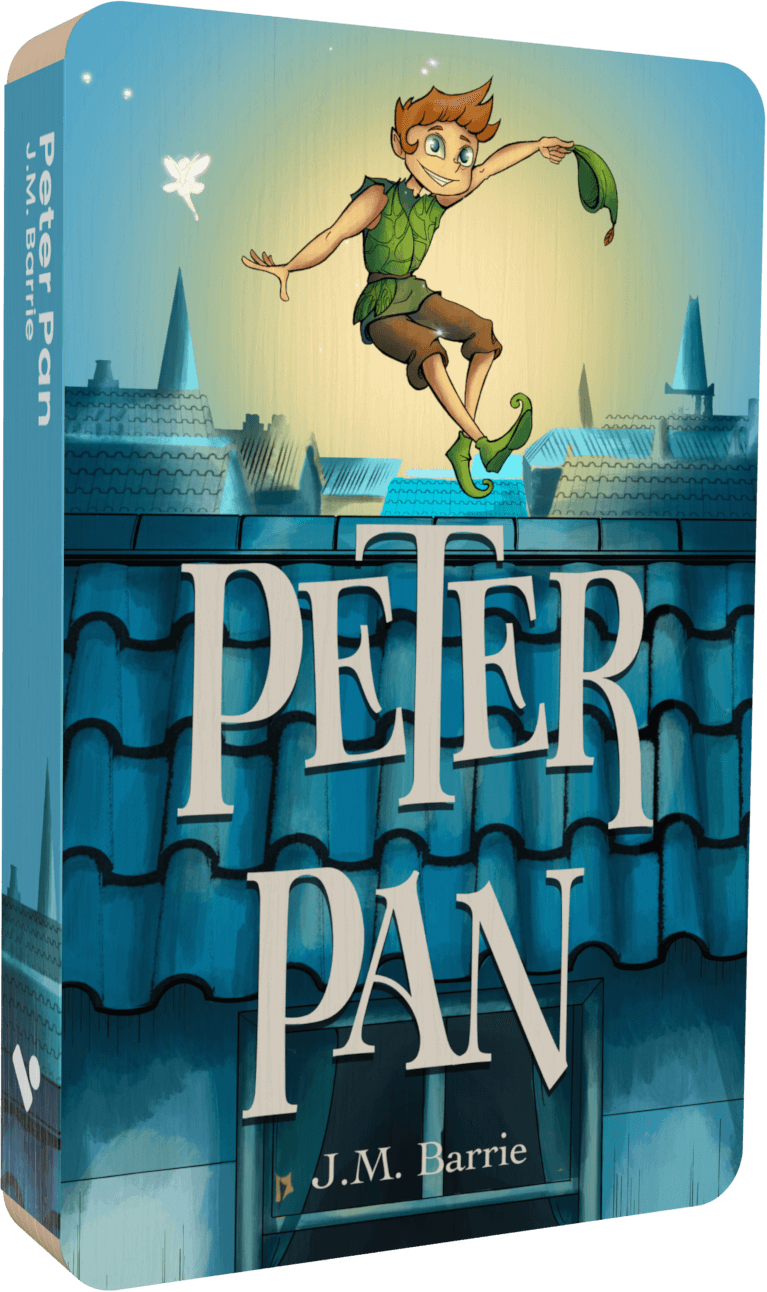
Audiobook narrator
Jim Norton
- 4.9 on Trustpilot
- Free delivery over £25
- 100-day money-back guarantee
New to Voxblock? Start with Player only, £49.99

Voxblock Audiobook Player
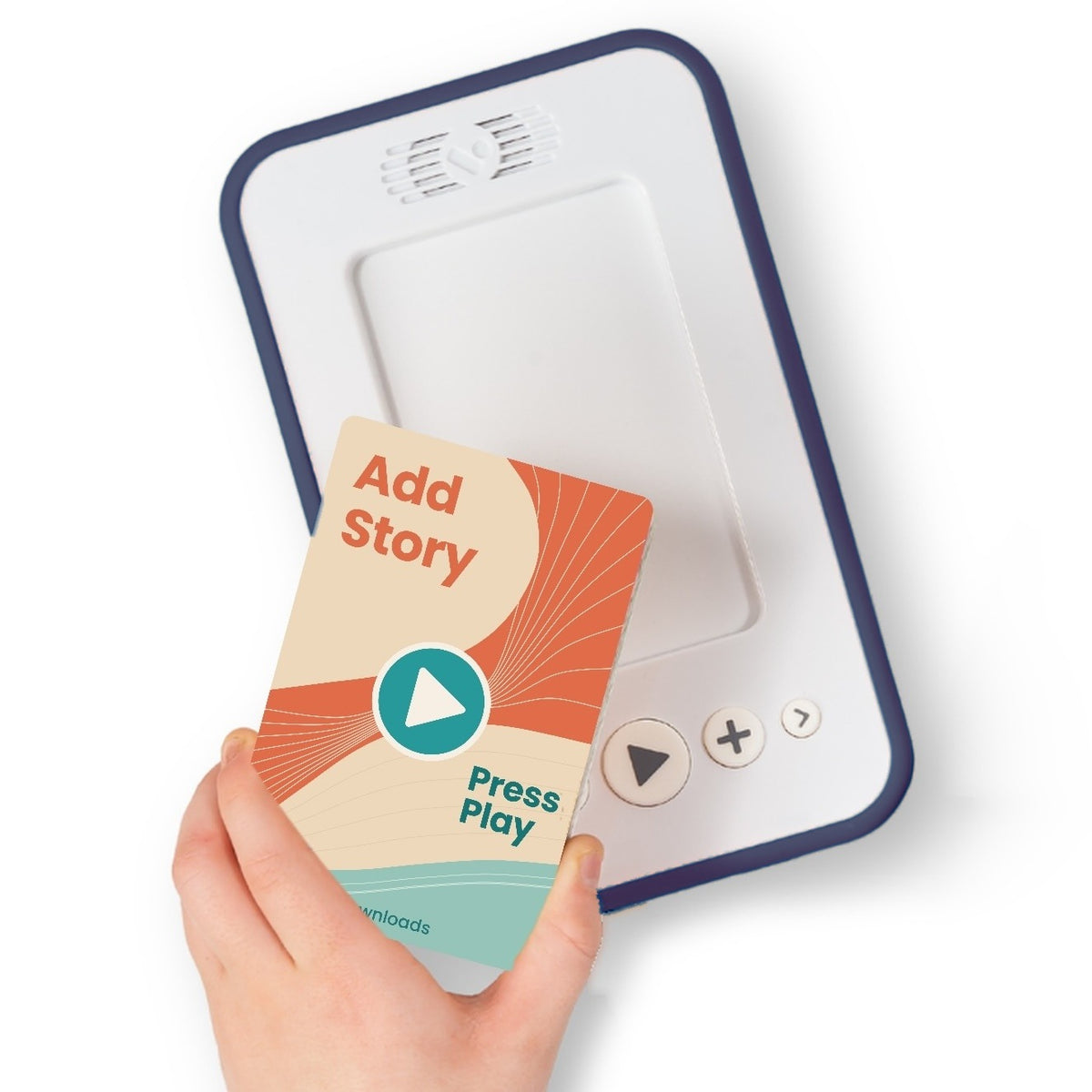
The screen-free audiobook player children use on their own, toddlers to teens. Up to 16 hours' battery.
from Sale price£49.99
About Jim Norton
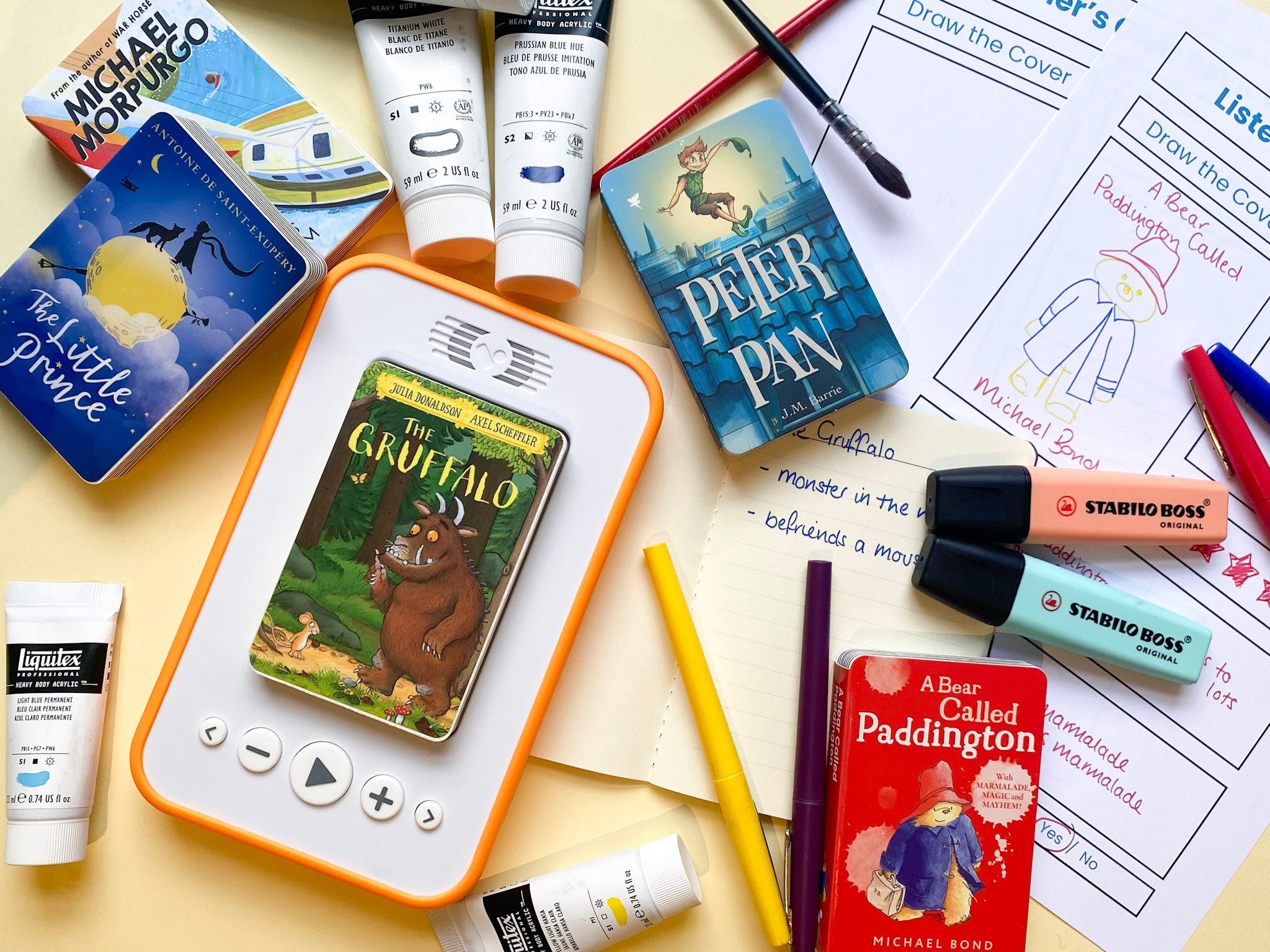
Listen on Voxblock
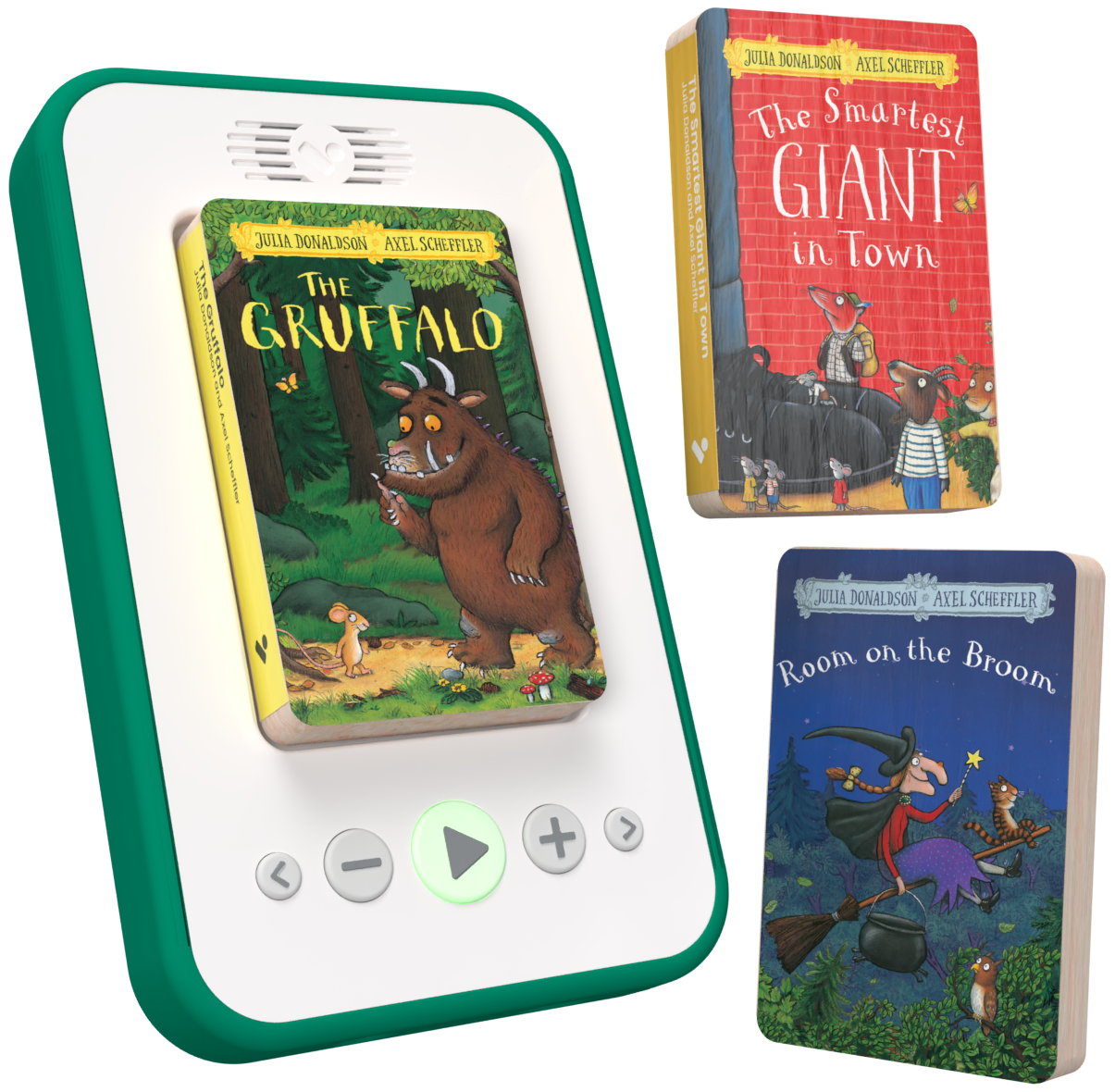
Every audiobook here plays on Voxblock, the screen-free audiobook player. Your child puts a story on the player and presses play: no downloads, no streaming, no wifi.
See how Voxblock worksQuestions parents ask
Listening to Jim Norton on Voxblock
What audiobooks has Jim Norton narrated on Voxblock?
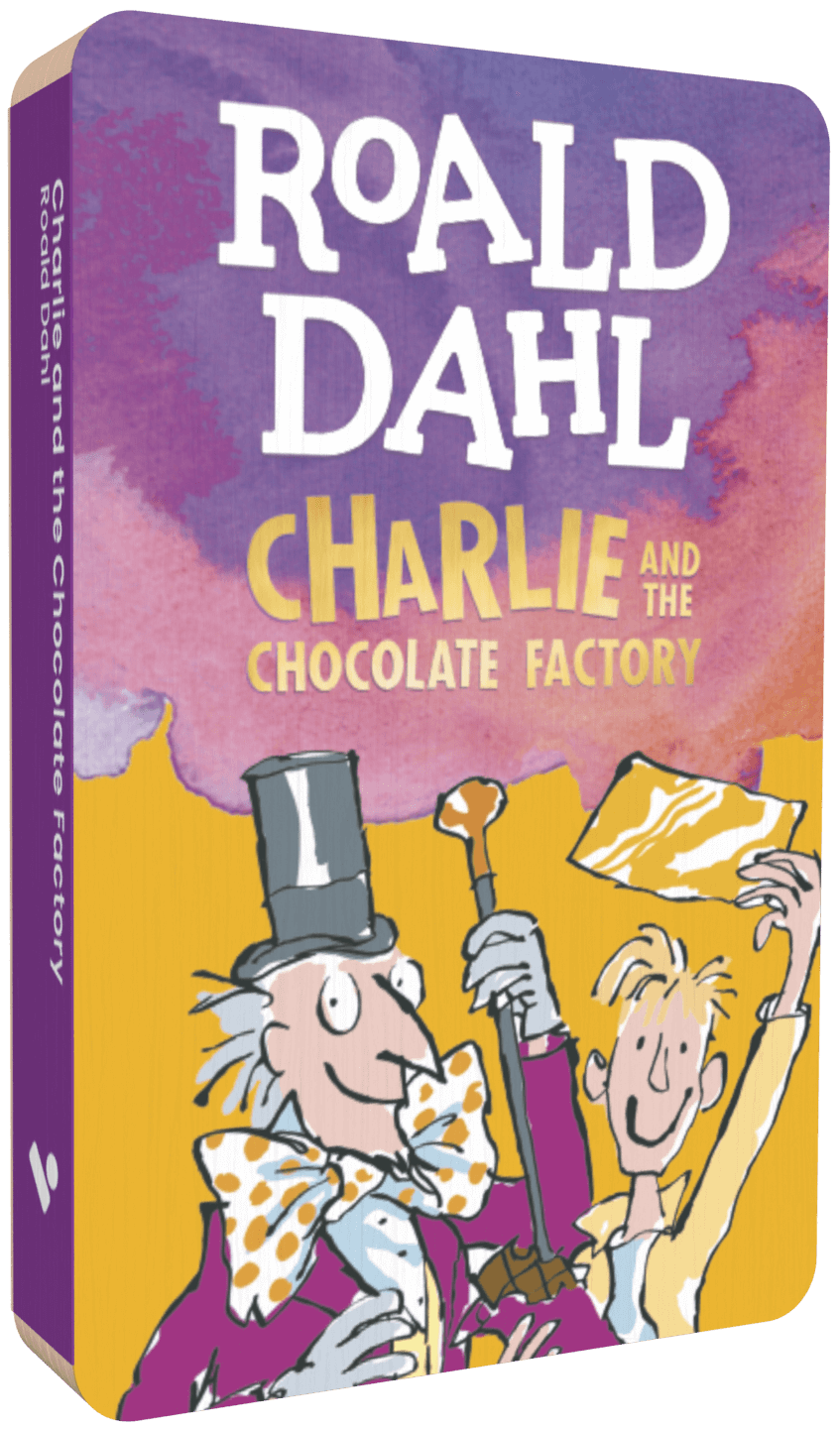
Every audiobook narrated by Jim Norton on Voxblock is listed at the top of this page. Each one is unabridged and plays on the Voxblock player.
Can children listen to Jim Norton without a screen?
Yes. Your child puts the story on the Voxblock player and presses play. There is no screen, nothing to download and no wifi.
How can I hear Jim Norton before I buy?
Press play in the sample section on this page to hear Jim Norton reading one of the audiobooks.
What age are these audiobooks for?
It depends on the book. Each audiobook page shows its age range; Voxblock itself suits toddlers to teens.
What is a Voxblock?
Voxblock is a screen-free audiobook player for children. Each story comes on its own small block: your child puts it on the player and presses play. There is nothing to download, no streaming and no wifi.
Do I need a player to listen?
Yes. Voxblock audiobooks play on the Voxblock player. If you are new to Voxblock, a starter pack gives you the player and three stories together.