




Using your Voxblock player
Everything the buttons and lights do, bedtime and travel mode, headphones and charging. For players without a switch on the back.
Switching on and off
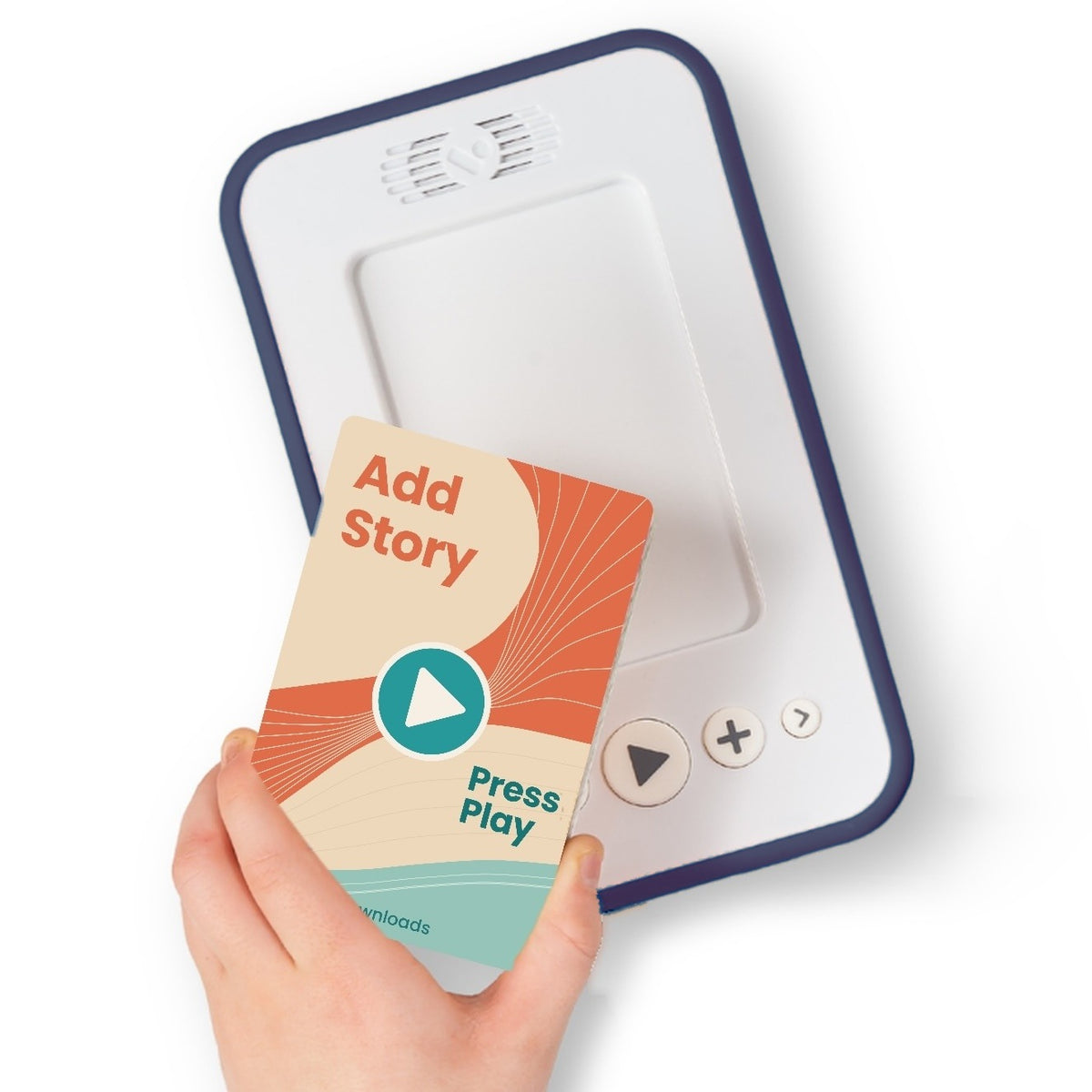
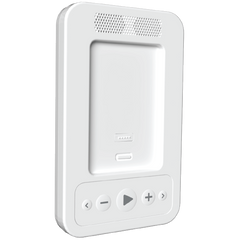
To switch it on, press the play button. It glows blue when it’s ready. Place a book on the player and press play.
To switch it off, hold the play button for about 3 seconds, until the light goes off. Your place in the story is saved.
It also switches itself off. After a minute with nothing playing the play button pulses a dim blue, and a few minutes later the player switches off to save the battery.
Player has an on/off switch on the back? Flip it down to switch on and up to switch off. Everything else on this page is for players without a switch.
Play, pause and chapters
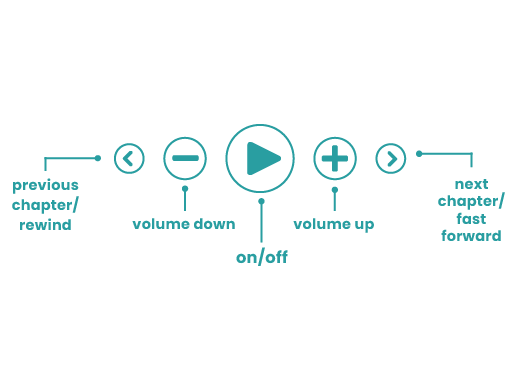
- Play or pause: press the play button.
- Next or previous chapter: press the right or left arrow.
- Fast forward or rewind: hold the right or left arrow.
- Back to the start of the book: hold the play button and press the left arrow, until you hear a tone.
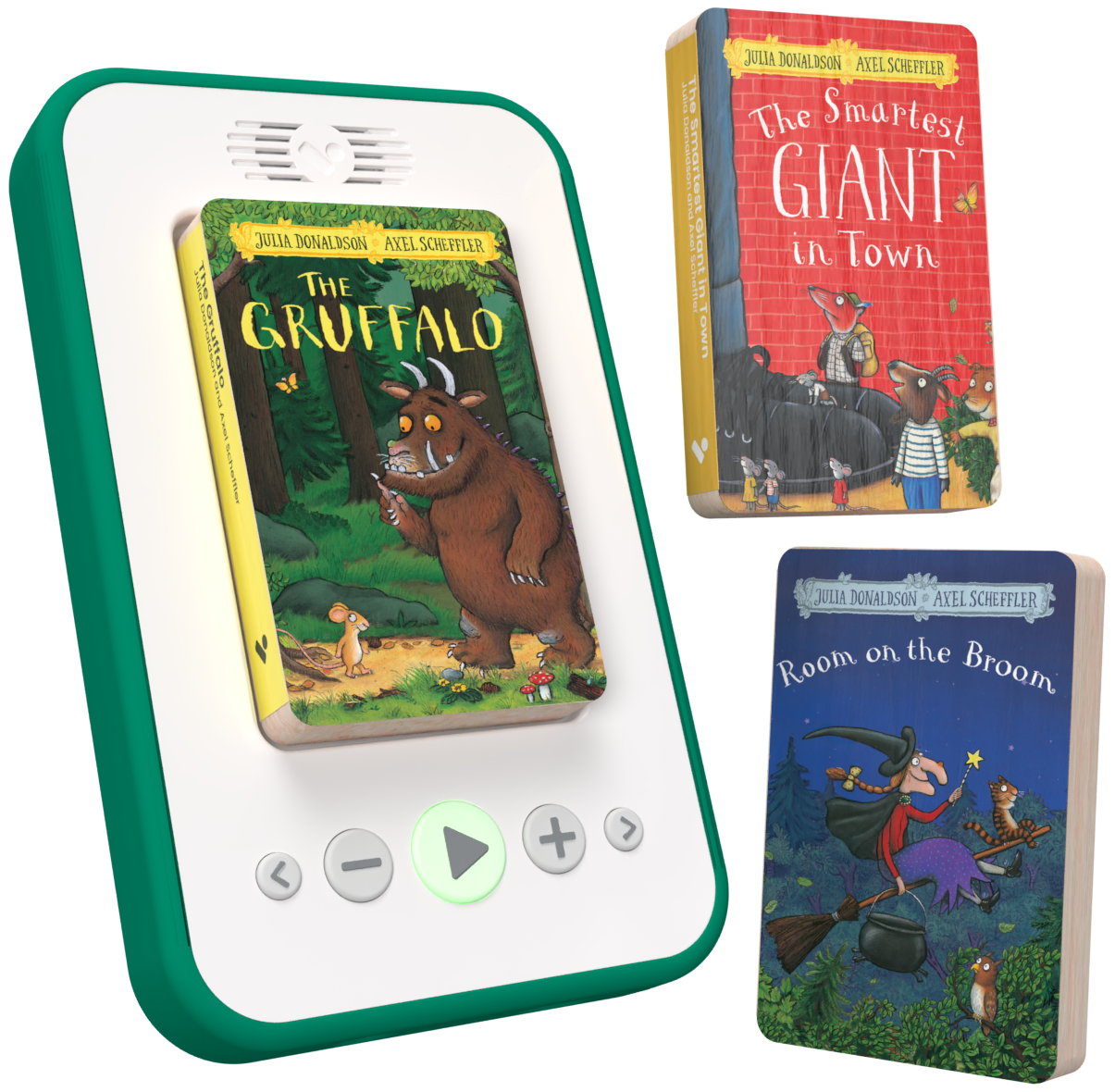
- Swap books: lift the book off and place another. Each book remembers where you got to.

Volume and headphones
Press + and − to change the volume. The play button flashes yellow-green as you do, brighter the louder it is.
For headphones, plug a wired pair into the headphone socket. The speaker switches off while they’re plugged in, and taking them out while a story is playing pauses it.
Bedtime mode
Bedtime mode plays the story for 20 minutes, then pauses on its own.
Switch it on or off
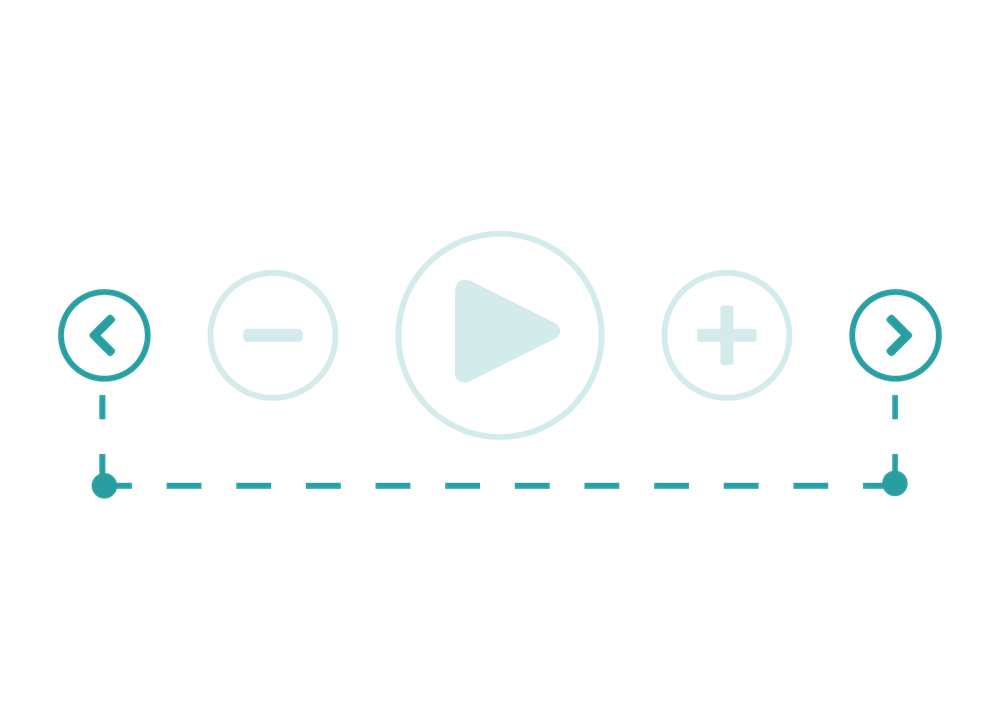
- Press both arrow buttons together until you hear a tone.
- The play button turns orange while bedtime mode is on.
- Do the same again to switch it off, and the play button goes back to blue. Switching the player off also ends bedtime mode.
Travel mode
Travel mode locks the buttons, so the player doesn’t switch on in a bag or skip chapters on the way.
Switch it on or off
- Hold − and + together for a second, until you hear a tone.
- The play button glows pink for a few seconds, then goes dark. While travel mode is on, pressing a button just shows the pink light again.
- To unlock, hold − and + together again until the play button turns blue.

What the lights mean
The play button glows to show what the player is doing. The small battery light at the bottom right shows for 10 seconds after you switch on, and stays on only when the battery is low or the player is charging.
Play button
- No light Switched off. Press play to switch it on.What to do
- Slow, dim blue Resting: nothing has played for a minute. It switches off a few minutes later.What to do
- Blue On, and paused or waiting for a book.What to do
- Green Playing.What to do
- Orange Bedtime mode is on.What to do
- Pink for a few seconds, then dark Travel mode is on: the buttons are locked.What to do
- Quick yellow-green flash You’re changing the volume.What to do
Battery light (bottom right)
- Off Normal. It shows for 10 seconds after switching on, then goes off.What to do
- Green Enough charge to keep listening.What to do
- Red Low battery: time to charge.What to do
- Fast red flashing Battery empty. It saves your place and switches off.What to do
- Flashing green Charging.What to do
- Steady green while plugged in Fully charged.What to do
Charging
A full charge gives up to 16 hours of listening.
How to charge
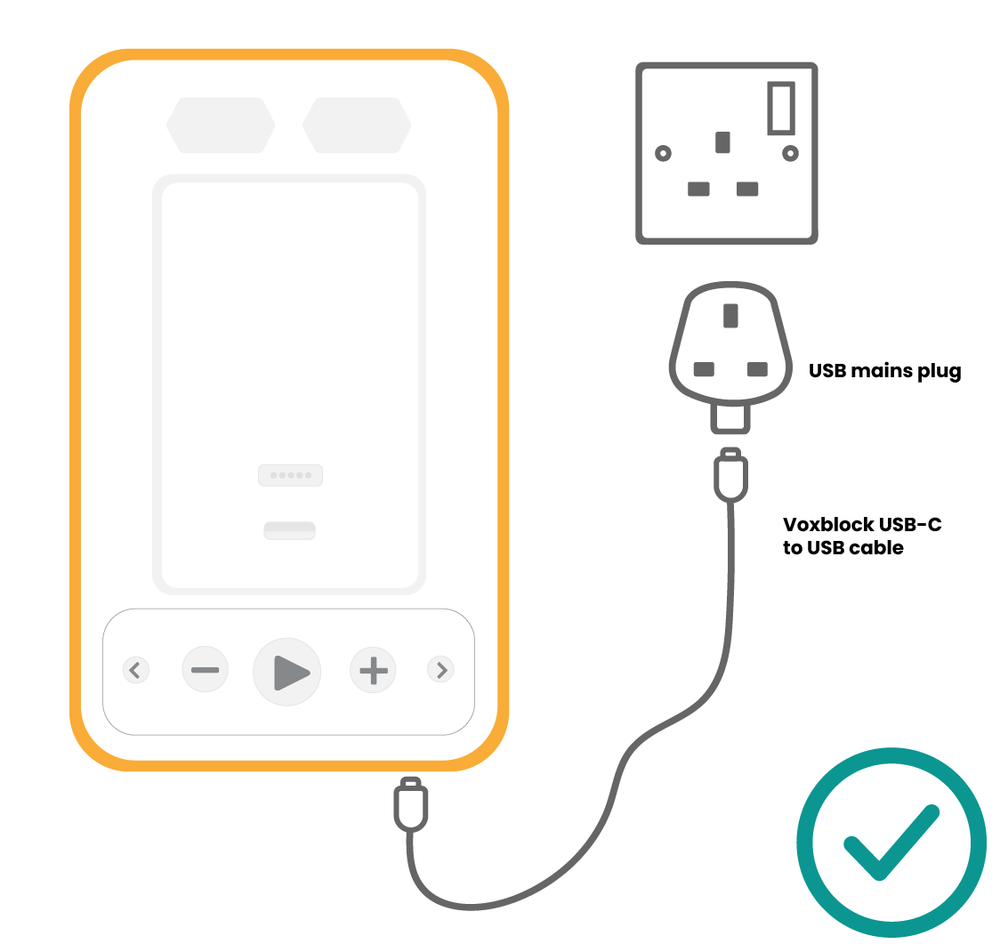
- Plug the USB-C cable that came with your player into the socket on the player.
- Plug the other end into a USB wall plug, like a phone charger.
- The battery light flashes green while it charges and stays green when it’s full. Leave it to charge fully, for example overnight.
Avoid laptop USB ports, car chargers and USB hubs. They often don’t give enough power to charge the player properly.
Looking after your player and books
- If a book won’t play, wipe the connector on the book and the player with a dry cloth.
- Keep the player and books dry. The books are made of card.
- Switch the player off when you’re not using it, or let it switch itself off.
Something broken? Your player has a 2-year guarantee, and we repair players for life after that.
Quick start guide
The printed guide from the box, to download and print.
More help
Still not right?
Tell us what you can see on the play button and battery light, and what you've tried. Monday to Friday, 9am to 5pm, we usually reply within the hour.
